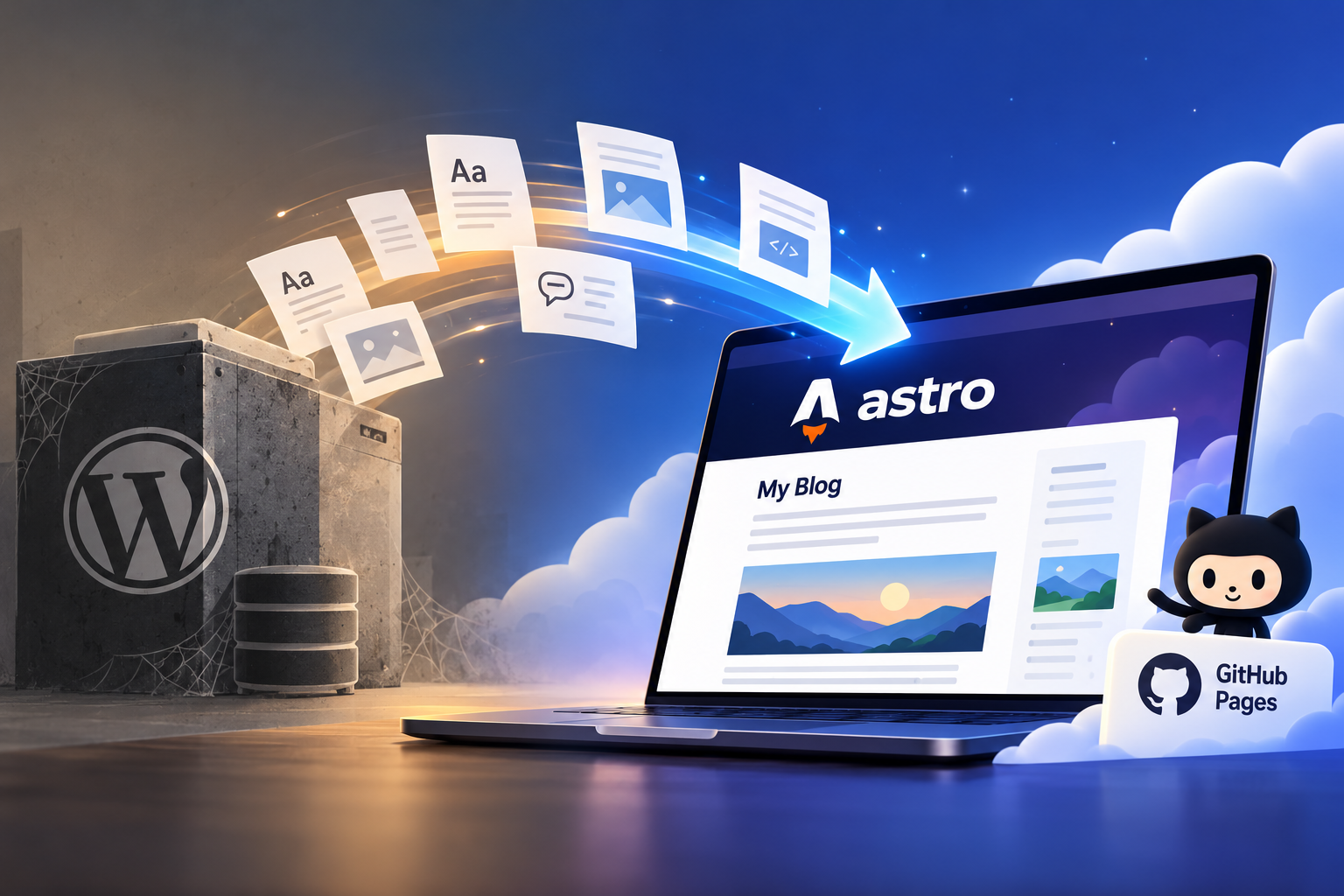
Out with WordPress, in with Astro
This article is more than two years old. Some details may have changed, so check the current documentation before applying them.
It was time for a refresh. My blog had been running on WordPress for years, and last weekend I finally moved it to a new home: Astro, hosted on GitHub Pages.
The result is still my blog, with the same posts and the same URLs. But there is no PHP site to maintain, and I can cancel the WordPress hosting.
Astro, Markdown, and GitHub Pages
Astro is a web framework for building content-focused websites. In this project, each post is a Markdown file with a little metadata at the top, like its title, date, and categories. Astro combines that content with the site layouts and builds the pages, archives, and other data from it.
This is the interesting bit: the content of the website feels dynamic, but it actually isn’t. I’m basically editing static files in my repo and when I push a change, the site is rebuilt into plain HTML, JavaScript, and assets. Visitors get those files directly; nothing is generated on the fly.
When I push to main (or start the workflow manually), a GitHub Action checks out the repository and uses Astro’s GitHub Action to build the site with Node.js 24 and npm. It uploads the generated site as an artifact, then a deploy job publishes that artifact to GitHub Pages.
The build step is deliberately small:
- name: Build and upload Astro site
  uses: withastro/action@v6
  with:
    node-version: 24
    package-manager: npm
The workflow then deploys that artifact with actions/deploy-pages@v5.
The custom domain, blog.pieeatingninjas.be, points to Pages.
It’s as simple as that! No database, no WordPress or PHP updates to keep an eye on.
For comments, I added Giscus, which uses GitHub Discussions. I also brought over the comments from the old blog using WordPress’s export. That saved me from having to copy them over by hand, and it means the history is still there.
Google Analytics is still available, but it only runs after a visitor gives consent. The blog should not need to track everyone just because it can.
Keeping the old stuff
There were quite a few posts to migrate. I wanted every old post to keep its original URL, so links from years ago would still work. The old posts are now Markdown files, and the existing dated URLs are preserved.
Some of those old posts had code samples embedded as images. Yes, we all make questionable choices sometimes. I converted those back into actual text and code blocks, which makes them easier to read, copy, and search.
Some images I had in my blog were hugely oversized, so while I was at it, I resized them as well.
Copilot as a migration buddy
I used Copilot throughout the project. I started with the idea, put the WordPress export and the existing site into the project, and iterated from there. Copilot helped with the migration, the Astro implementation, and the less exciting details like keeping routes and content consistent.
When I say “I migrated the blog”, there is a small asterisk: I did not write a single line of code. I prompted the agents, reviewed what they came back with, and tested the result. I did not even retype code from screenshots or resized a single pictures myself. The agents handled that where it made sense.
The VS Code Agents window was my main workspace. I could split the job into smaller tasks and let multiple agents work in parallel, while I checked how the pieces fitted together. I also connected the Astro Docs MCP, so the agents could look up the Astro documentation as they worked.
While I was on the go this weekend, I could kick off a few things from vscode.dev/agents through a tunnel to my MacBook. That meant I could keep the migration moving and spend valuable time with my family instead of being tied to the editor.
It was a fun weekend with the family, while I migrated my years-old blog in the background. It was not a one-shot prompt that magically produced a finished blog: I still reviewed the output and tested the pages. Some small details need a bit more love here and there, but this made a weekend-sized side project feel very doable.
Astro and GitHub Pages turned out to be a nice fit for a content-heavy personal blog: fast pages, straightforward hosting, and content I can manage right alongside the code. The new blog is live, the old posts are still where you expect them, and I can finally say goodbye to my PHP WordPress hosting bill.
All the code behind the blog is available in the public GitHub repository if you want to see how it is put together.